Top AI Tools for UI Design in 2026 (Ultimate Guide for Designers)
Introduction
Artificial Intelligence is transforming the way designers create user interfaces. What once required hours of manual effort can now be completed in minutes with AI-powered tools. From wireframing and prototyping to full UI generation, AI is helping designers boost productivity and creativity.
In this guide by PSD Gang, we explore the best AI tools for UI design that can help you work smarter, faster, and more efficiently.
Best AI Tools for UI Design
1. Uizard
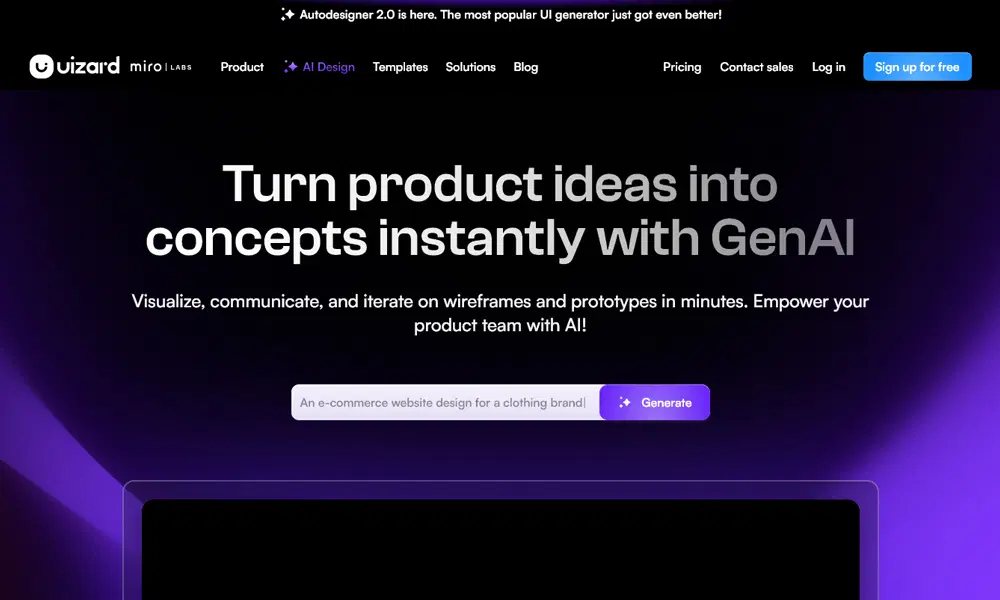
Uizard is one of the most beginner-friendly AI tools for UI design, allowing users to transform ideas into fully functional interfaces within minutes. Its standout feature is the ability to convert hand-drawn sketches or screenshots into editable digital designs, which significantly speeds up the design process. This makes it ideal for designers who want to quickly visualize concepts without starting from scratch.
The platform also offers a drag-and-drop builder, pre-designed templates, and smart UI suggestions powered by artificial intelligence. These features help users maintain consistency while designing apps or websites. Whether you’re building a prototype for a startup or testing new ideas, Uizard simplifies the process. Overall, it is a powerful tool for rapid prototyping, making it highly valuable for both beginners and experienced designers.
Key Features:
- Sketch to UI conversion
- Drag-and-drop editor
- Pre-built templates
- AI design suggestions
Best For: Beginners and rapid prototyping
2. Galileo AI
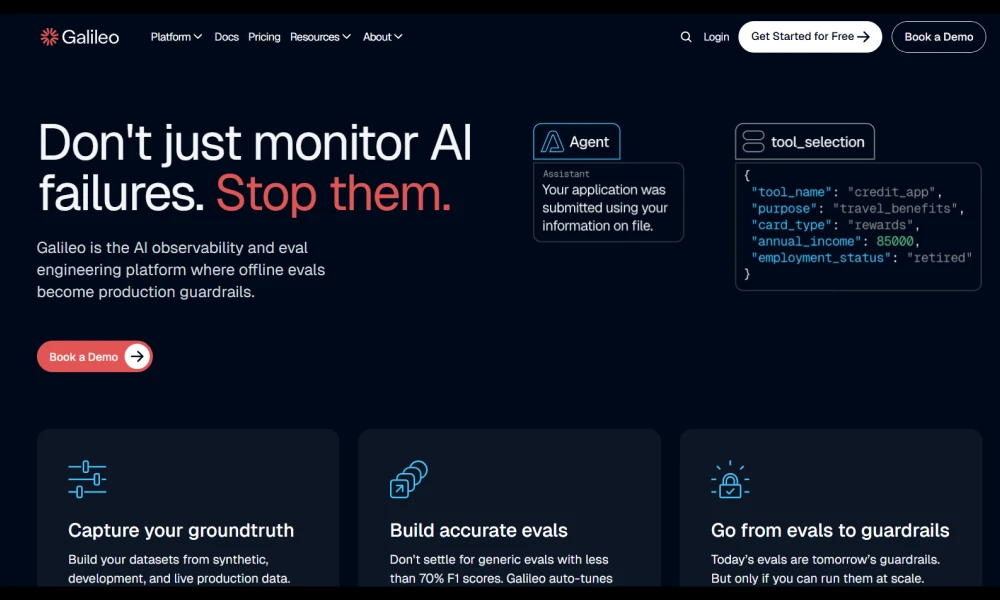
Galileo AI is an advanced design tool that allows users to generate UI designs simply by writing text prompts. This feature makes it incredibly efficient for designers who want to quickly turn ideas into visual layouts without spending hours designing each component manually. By understanding natural language inputs, Galileo AI creates modern, clean, and user-friendly interface designs.
One of its biggest advantages is speed — designers can generate multiple design variations in seconds and choose the best one. It is especially useful during the brainstorming and ideation stages, where quick iterations are important. Additionally, Galileo AI produces layouts that follow current design trends, helping designers stay relevant. For professionals looking to enhance productivity and explore creative directions quickly, Galileo AI is a game-changing tool.
Key Features:
- Text-to-UI generation
- Fast design outputs
- Modern UI layouts
- Multiple variations
Best For: UI concept generation and ideation
3. Figma (AI Features)
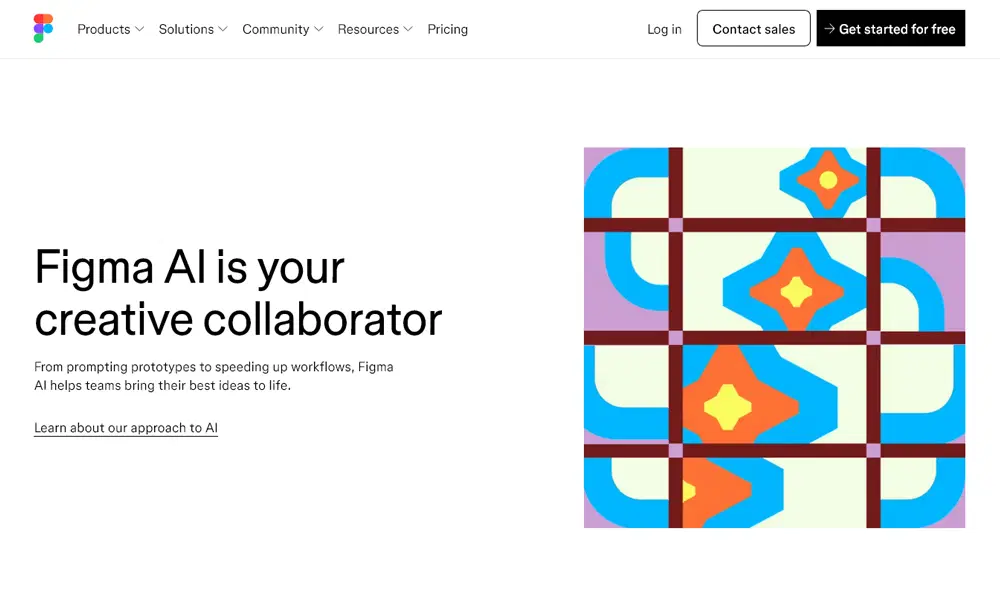
Figma has become one of the most popular UI design tools, and its AI-powered features are making it even more powerful. With AI integration, Figma can now assist designers by generating content, suggesting layouts, and improving design systems automatically. This reduces repetitive tasks and allows designers to focus more on creativity and user experience.
Another key advantage of Figma is its real-time collaboration feature, which enables teams to work together seamlessly from anywhere in the world. AI enhancements further improve this experience by maintaining consistency across designs and speeding up workflows. Designers can quickly create components, adjust layouts, and test ideas efficiently. Whether you are working solo or as part of a team, Figma’s AI capabilities make it an essential tool for modern UI design.
Key Features:
- AI layout suggestions
- Content generation
- Real-time collaboration
- Design system automation
Best For: Professional designers and teams
4. Khroma
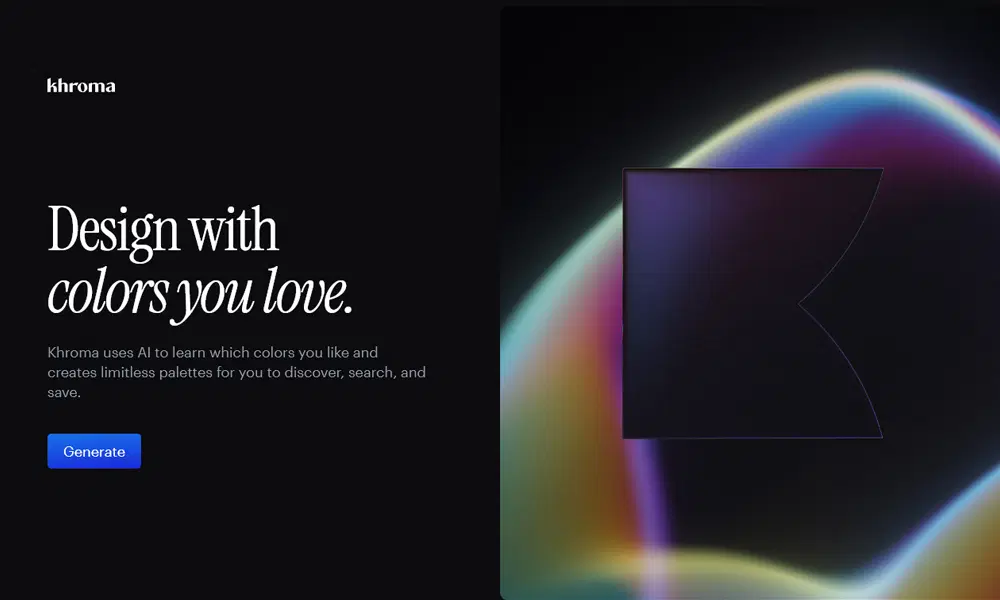
Khroma is a unique AI-powered tool that focuses specifically on color selection, which is a crucial aspect of UI design. It uses machine learning to understand your personal color preferences and then generates customized color palettes tailored to your style. This helps designers create visually appealing and consistent interfaces without spending too much time experimenting with colors.
The tool allows users to explore different color combinations and see how they would look in real-world designs. It also provides options to save and export palettes for future use. Khroma is especially useful for designers who struggle with choosing the right color combinations or want to speed up their workflow. By simplifying the color selection process, Khroma helps improve the overall aesthetic quality of UI designs.
Key Features:
- AI-based color generation
- Personalized palettes
- Export options
- Style learning system
Best For: UI color selection and branding
5. Adobe Firefly
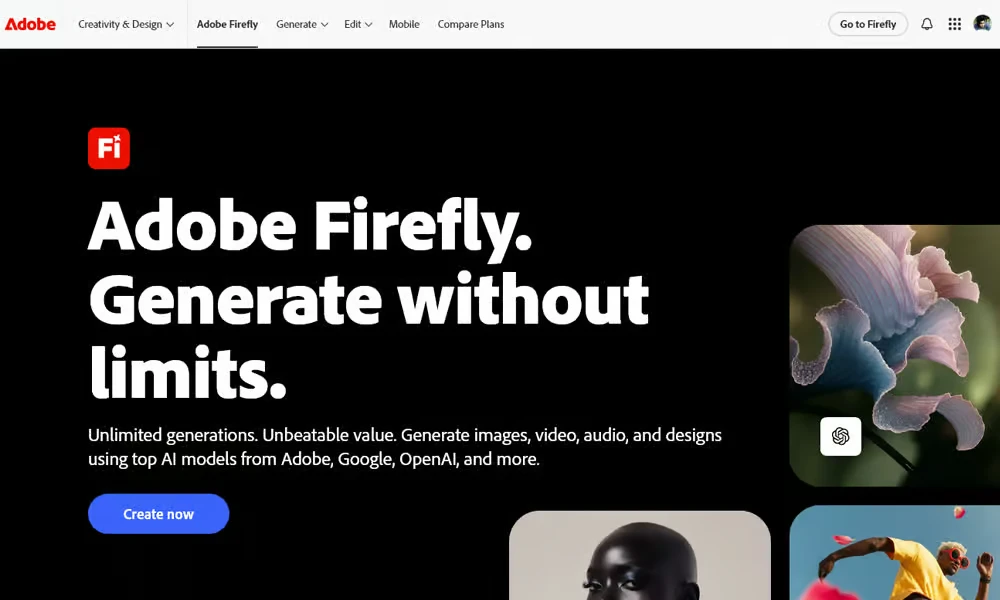
Adobe Firefly is a powerful AI tool designed to enhance creativity by generating visuals from text prompts. It is part of the Adobe ecosystem, which means it integrates seamlessly with tools like Photoshop and Illustrator. This makes it highly valuable for UI designers who need custom graphics, icons, or backgrounds for their designs.
With Firefly, designers can quickly generate high-quality visual assets that match their design requirements. It also allows for experimentation with different styles, colors, and compositions, helping designers achieve unique results. The tool significantly reduces the time spent searching for assets or creating them manually. For designers focused on visual storytelling and creative UI elements, Adobe Firefly is an essential addition to their toolkit.
Key Features:
- Text-to-image generation
- Adobe integration
- Style customization
- High-quality visuals
Best For: Creative UI elements and graphics
6. Framer (AI)
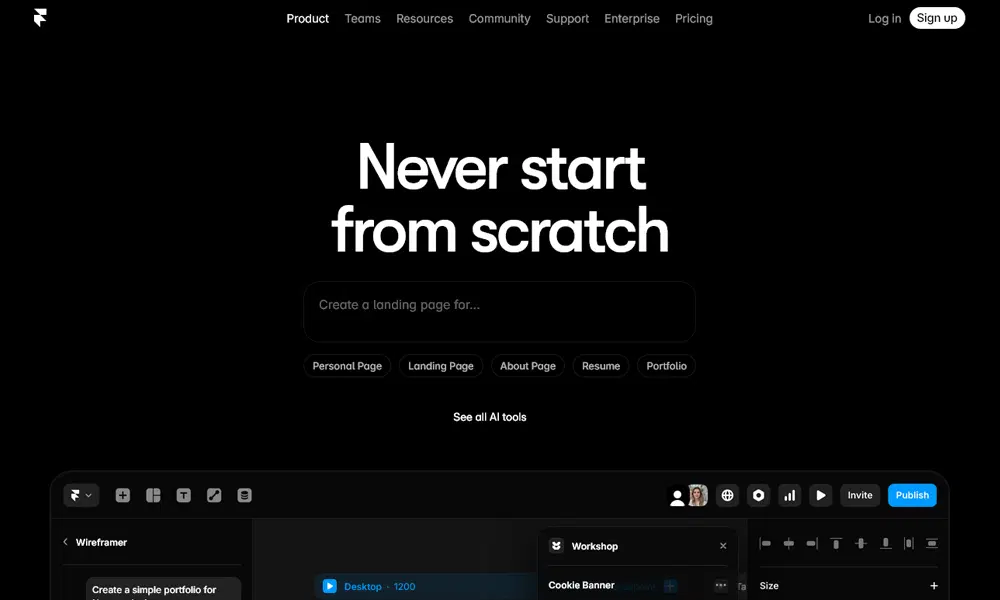
Framer AI is a modern tool that allows designers to create complete website interfaces using simple text prompts. It combines design and development into a single platform, enabling users to generate responsive layouts instantly. This makes it an excellent choice for designers who want to quickly build and test website ideas without extensive coding knowledge.
One of the key features of Framer AI is its ability to produce live, interactive designs that can be previewed in real time. This helps designers understand how their UI will function in real-world scenarios. Additionally, the tool offers customization options to refine layouts and match branding requirements. Framer AI is ideal for startups, freelancers, and designers who want to accelerate the website design process while maintaining high-quality results.
Key Features:
- AI website generation
- Responsive design
- Live preview
- Easy customization
Best For: Website UI design and prototyping
7. Midjourney
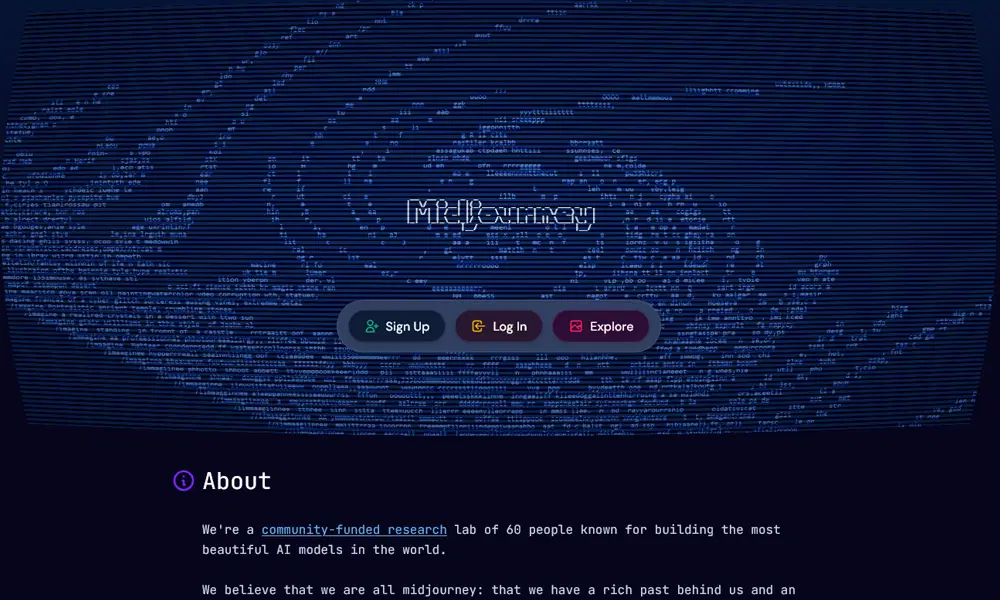
Midjourney is widely known for its ability to generate stunning visuals using AI, making it a valuable tool for UI designers seeking inspiration. While it is not a traditional UI design tool, it plays a crucial role in the creative process by helping designers explore unique styles, layouts, and visual concepts.
Designers can use Midjourney to create mood boards, generate design ideas, or experiment with different aesthetics before starting the actual design process. The tool produces high-quality and artistic outputs that can inspire innovative UI solutions. It is especially useful during the ideation phase, where creativity and exploration are key. For designers looking to push creative boundaries and develop unique interfaces, Midjourney is an excellent resource.
Key Features:
- AI image generation
- High-quality visuals
- Creative exploration
- Concept development
Best For: UI inspiration and creative direction
Final Thoughts
AI tools are transforming the UI design industry by making processes faster, smarter, and more efficient. Instead of replacing designers, these tools enhance creativity and help streamline workflows. By choosing the right AI tools, designers can significantly improve productivity and deliver better user experiences.
At PSD Gang, we recommend experimenting with different tools to find the perfect combination for your design needs.
